

React Cordova: Building Cross-Platform Mobile Apps with React and Apache Cordova
A developer's guide to combining React with Apache Cordova for hybrid mobile app development
Published at: November 4, 2026
Updated: November 1, 2026
In short: React Cordova means building your app as a regular React web application and packaging it with Apache Cordova into native iOS and Android apps that run inside a WebView, with device features (camera, GPS, push notifications) available through plugins. Getting a project running takes 6 steps, and the same React codebase serves web, iOS and Android. It is a strong fit for business apps, portals and internal tools; for games, real-time chat or heavy animation, React Native is the better choice.
What Is React Cordova?
React Cordova refers to the combination of React — Facebook's popular UI library — with Apache Cordova, the open-source mobile framework that wraps web applications inside a native container. Together, they allow developers to build a single web application using React and ship it as a native iOS and Android app, with full access to device hardware through Cordova plugins.
This hybrid approach has been a core tool in cross-platform mobile development for years. If your team already knows React, adding Cordova is a natural extension to reach mobile users without rebuilding your product in Swift or Kotlin.
How React and Cordova Work Together
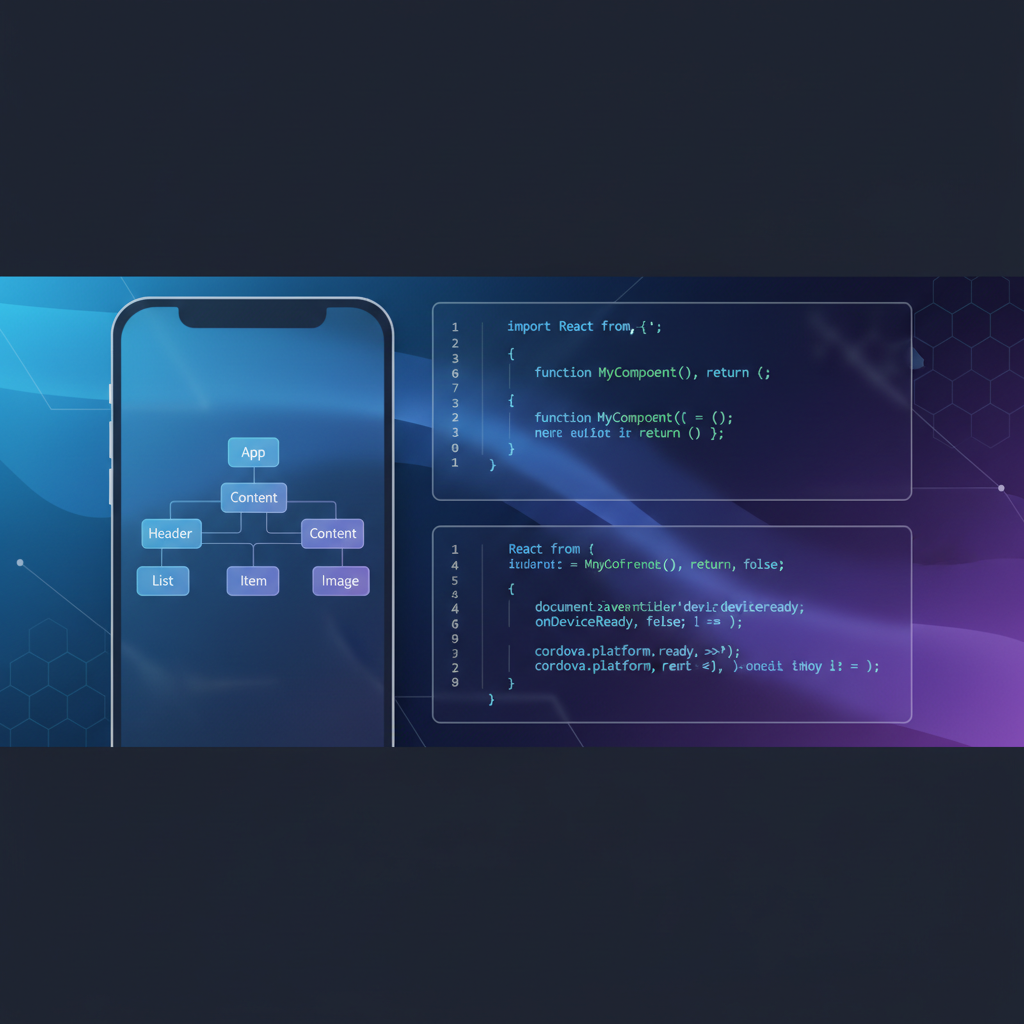
Apache Cordova works by embedding a WebView — essentially a browser window — inside a native iOS or Android shell. Your React application runs inside this WebView, just as it would in a desktop browser. Cordova's JavaScript bridge then provides access to native device APIs: camera, GPS, push notifications, file system, Bluetooth, and more.
The workflow looks like this:
- You write your React app as normal, using components, hooks, Redux, or any state management library you prefer.
- You build the React app to static HTML/CSS/JavaScript files.
- Cordova packages those files into an iOS or Android project.
- You use Cordova plugins (via
cordova plugin add) to access native APIs through a JavaScript interface. - The final output is an app that can be submitted to the Apple App Store and Google Play Store.
Setting Up a React Cordova Project
Here's a step-by-step approach to getting a React Cordova project running:
Step 1: Install Cordova CLI
You'll need Node.js installed, then run:
npm install -g cordovaStep 2: Create a Cordova Project
cordova create my-app com.example.myapp MyApp
cd my-app
cordova platform add ios android
Step 3: Create Your React App
Inside the Cordova project, initialize a React application. You can use Create React App, Vite, or a custom webpack setup. The key requirement is that the build output must target a relative path, not an absolute one — otherwise Cordova's WebView won't load the assets.
In your package.json (for Create React App), set:
"homepage": "."Or in your Vite config:
base: './'Step 4: Configure the Build Output
Cordova expects its assets in the www/ folder. Configure your React build output to write to www/ instead of the default build/ or dist/ directory. Update your build script in package.json:
"build": "react-scripts build && cp -r build/* www/"Step 5: Add Cordova Plugins
Plugins provide the bridge to native APIs. For example:
cordova plugin add cordova-plugin-camera
cordova plugin add cordova-plugin-geolocation
cordova plugin add cordova-plugin-push
Access them in your React code via the global cordova.plugins or navigator objects, after the deviceready event fires.
Step 6: Handle the deviceready Event
Cordova fires a deviceready event when the native environment is ready. You must wait for this before using any Cordova plugins:
import { useEffect } from 'react';

function App() {
  useEffect(() => {
    document.addEventListener('deviceready', () => {
      // safe to use cordova plugins here
      console.log('Cordova is ready');
    }, false);
  }, []);

  return <YourApp />;
}
Managing State in Complex React Cordova Apps with Redux
As a React Cordova app grows - several screens sharing user data, offline queues, plugin events arriving from the native side - passing state through props becomes hard to follow. Redux keeps all application state in one store and changes it only through dispatched actions handled by reducers, so every change is predictable and easy to trace. It is the same approach we use for complex custom and SaaS applications on the web, and it carries over unchanged into a Cordova build.
A minimal example: create a store from your reducers, subscribe to changes, and dispatch actions:
import { createStore } from 'redux';
import todoApp from './reducers';
import { addTodo, toggleTodo } from './actions';

const store = createStore(todoApp);
store.subscribe(() => console.log(store.getState()));

store.dispatch(addTodo('Sync orders when back online'));
store.dispatch(toggleTodo(0));
In new projects, Redux Toolkit's configureStore and createSlice are the recommended way to write the same logic with less boilerplate. Two Cordova-specific tips:
- Dispatch native events into the store: register listeners for Cordova events such as
pause,resumeandonline/offlineafterdeviceready, and turn them into actions so the UI reacts in one place. - Persist what matters: mobile operating systems can kill a backgrounded app, so save the parts of the state the user should not lose (drafts, pending submissions) to local storage and restore them on start.
React Cordova vs React Native: Which Should You Choose?
This is the most common question teams face when choosing a cross-platform approach. Here's an honest comparison:
React Cordova (Hybrid WebView)
- Best for: Web-first teams with existing React web apps that want mobile presence
- Performance: Runs in a WebView — sufficient for most business apps, forms, dashboards, and content apps
- Native access: Via Cordova plugins (JavaScript bridge)
- Code sharing: Very high — the same React codebase runs on web, iOS, and Android
- Learning curve: Low for React developers
- Ecosystem: Mature, large plugin library
React Native
- Best for: Performance-critical apps — games, real-time chat, complex animations
- Performance: Near-native UI rendering using real native components
- Native access: Via native modules with a JavaScript bridge (or JSI in newer versions)
- Code sharing: High within mobile platforms; less overlap with web
- Learning curve: Higher — different component model from web React
For many B2B and enterprise use cases — employee tools, client portals, CRM mobile extensions, field service apps — React Cordova delivers excellent results at lower complexity and cost. For a wider comparison that includes fully native and Flutter, see our mobile app development guide, and for a framework-level take on hybrid apps, JOPS hybrid mobile apps.
Performance Optimization for React Cordova Apps
The most common criticism of Cordova is performance. Here's how to mitigate it:
- Enable hardware acceleration: In your
config.xml, setHardwareAcceleratedpreference to true - Minimize DOM updates: Use React.memo, useMemo, and useCallback to reduce unnecessary re-renders
- Lazy load routes: Use React.lazy and Suspense to reduce initial bundle size
- Optimize images: Compress images, use WebP format, and lazy load off-screen images
- Disable ripple on Android: Cordova's default WebView can be slow with CSS transitions; profile and simplify animations
- Use a modern WebView: On Android, use the Crosswalk plugin or ensure Android 5+ for Chromium-based WebView
Real-World Use Cases for React Cordova
React Cordova is a solid choice for these app categories:
- Enterprise mobile apps: Internal tools, field service apps, approval workflows
- Customer portals: Self-service apps that mirror existing web functionality on mobile
- B2B SaaS mobile companion apps: Mobile access to an existing SaaS platform
- Event and registration apps: Quick-build apps for specific business events
- Content and news apps: Article readers, documentation browsers
At UIDB, we've built production mobile apps with React Cordova for enterprise clients who needed a fast path from existing web products to iOS and Android. The key is matching the technology to the product requirements — not chasing the newest framework.
Common Pitfalls and How to Avoid Them
- Forgetting
deviceready: Always gate native API calls behind this event or your app will crash silently - Routing issues: React Router's BrowserHistory won't work in a file:// context — use HashRouter in Cordova builds
- CORS errors: When calling APIs from a Cordova app, ensure your API allows the Cordova origin, or use a proxy
- iOS App Transport Security: iOS requires HTTPS for all network requests by default; configure your API accordingly
- Build environment complexity: Cordova requires Xcode (iOS) and Android Studio (Android) properly configured — set up your CI/CD pipeline early
Is React Cordova Still Worth It in 2026?
Yes — for the right use cases. React Cordova has a mature ecosystem, a large plugin library, and a stable community. Ionic Framework, one of the most popular Cordova-based frameworks, continues active development and supports React. For teams that have existing React web apps and need mobile reach without a full React Native rewrite, React Cordova remains a pragmatic, cost-effective choice.
The decision comes down to your app's performance requirements and your team's existing skills. A customer portal, internal tool, or B2B dashboard doesn't need the rendering performance of a native social media app — and React Cordova can deliver a polished, functional experience at a fraction of the development cost.
Frequently Asked Questions
Is Cordova still a good choice for mobile app development?
For apps that are mostly forms, lists, dashboards and content - employee tools, customer portals, SaaS companion apps - yes. Cordova lets a React web team ship to iOS and Android from one codebase at lower cost. For apps where rendering performance is the product, choose React Native or native development.
What is the difference between Cordova and React Native?
Cordova runs your web app inside a WebView and reaches native APIs through plugins; React Native renders real native UI components from JavaScript. Cordova maximizes code sharing with the web, React Native gives near-native performance. Our React Native development services guide explains when that extra performance is worth it.
Do I need a Mac to build the iOS version of a Cordova app?
Yes. Cordova generates an Xcode project for iOS, and Xcode runs only on macOS - the same constraint that applies to Flutter and React Native, as explained in can Android Studio make iOS apps. A cloud macOS build service is an alternative to owning a Mac.
Why does React Router break in a Cordova build?
Cordova loads the app from a file:// URL, where browser history routing does not work. Use HashRouter in Cordova builds and set the build to use relative asset paths.
Should I use Redux in a React Cordova app?
If the app has several screens sharing data, offline behavior or native events that affect the UI, yes - a single store with explicit actions keeps the state predictable. For a small app with a few screens, React's built-in state and context are usually enough.
Need Help Building a Cross-Platform Mobile App?
UIDB is a boutique R&D software company specializing in cross-platform mobile app development, React applications, and enterprise mobile solutions. We help SaaS companies and organizations build and maintain mobile products that scale.
Explore our development services or contact us for a free consultation — whether you're choosing between Cordova and React Native, starting a new mobile project, or maintaining an existing hybrid app.
 Tags:
Tags:
- cordova react
- react cordova
- apache cordova
- cross-platform mobile app
- hybrid mobile app
- cordova react native
- mobile app development


Need expert advice?
We'd love to hear about your challenge and propose a tailored solution.
Let's Talk
Leave a comment